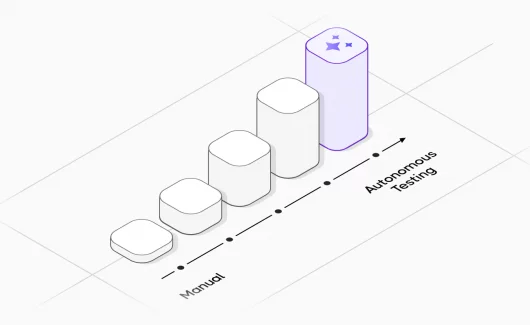
QA teams are drowning in repetitive work: writing test cases from scratch, maintaining outdated test suites, hunting for coverage gaps across hundreds of features. AI in quality assurance shifts where your time goes.
Instead of generating boilerplate test cases manually, QA engineers spend their hours reviewing what AI drafts, catching edge cases the model missed, and deciding what actually needs to be tested.
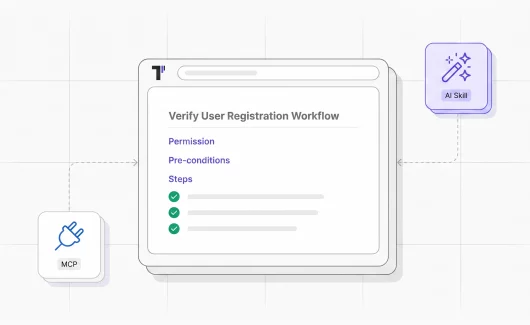
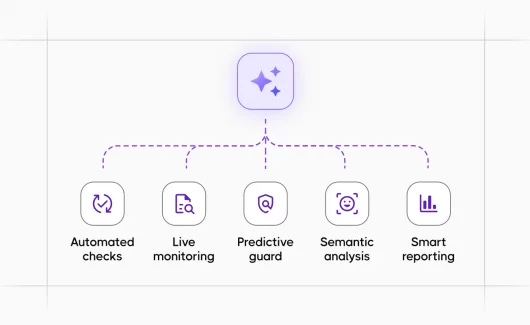
Testomat.io has built AI directly into the test management workflow as a set of tools that touch test generation, organization, coverage analysis, and reporting.
What AI Does Inside Testomat.io
1. AI Test Generation
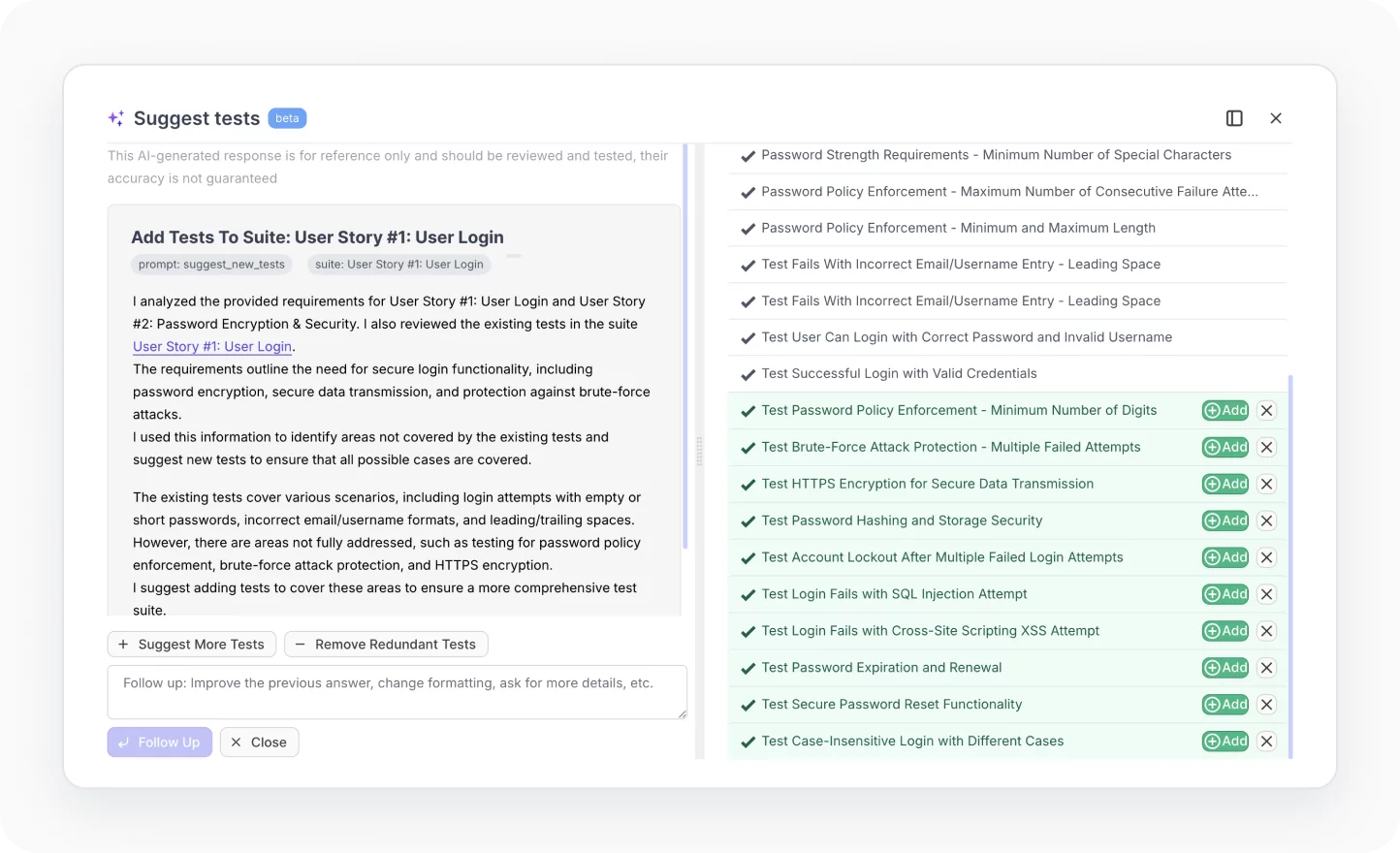
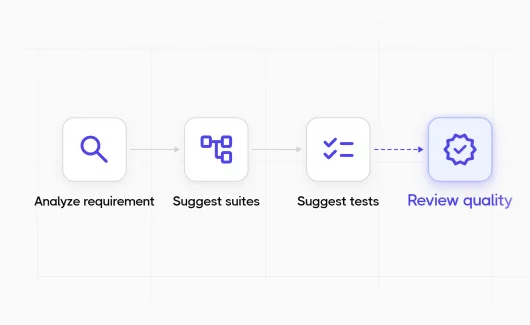
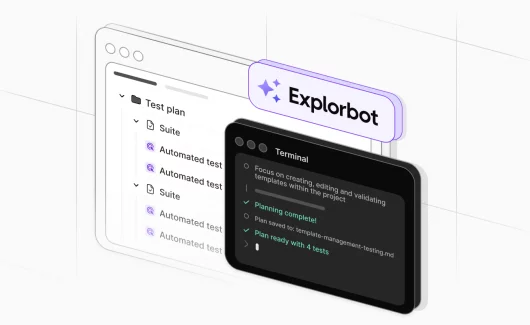
AI test generation in Testomat.io creates test cases automatically from your requirements, user stories, or existing documentation. You feed it context – a feature description, a Jira ticket, a BDD scenario and it drafts test cases with steps, expected results, and appropriate test data.
This is most useful at the start of a feature cycle, when your team has requirements but no tests yet. A QA engineer who previously spent two hours writing 40 test cases for a new payment flow can now review and adjust 40 AI-generated cases in 20 minutes. The test cases aren’t perfect out of the box, but the mechanical work of writing obvious happy-path and negative scenarios disappears.
The generator uses your existing test suite as context too. It can spot patterns in how your team writes tests and match that style in what it produces.
📝 Read also: Testing LLM Applications: A Practical Guide for QA Teams
2. AI Test Improvements and Suggestions
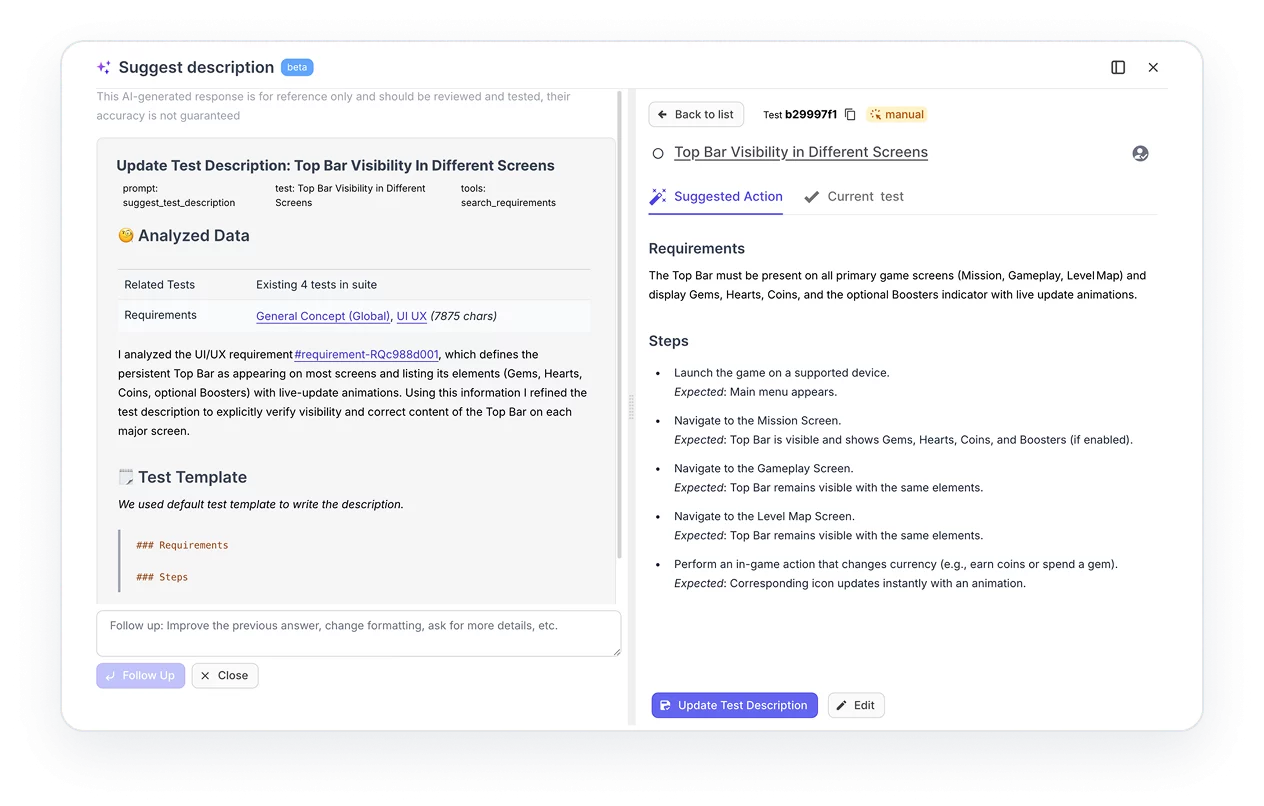
This feature runs against your existing test cases and does three things:
- Flags tests that are vague, incomplete, or likely to produce inconsistent results
- Suggests missing test scenarios based on what similar features in your suite cover
- Recommends edge cases your current tests don’t address
In practice, this is where AI in software testing earns its keep on large, mature test suites. A test suite that’s grown over three years will have duplicates, tests that no longer match the feature they were written for, and coverage gaps nobody noticed. Running AI suggestions against that gives you a prioritized list of what to fix rather than an open-ended audit.
The suggestions show up as recommendations you accept or reject. That matters. Blindly accepting AI rewrites of test cases is how you end up with tests that pass but test the wrong thing.
3. AI Test Management
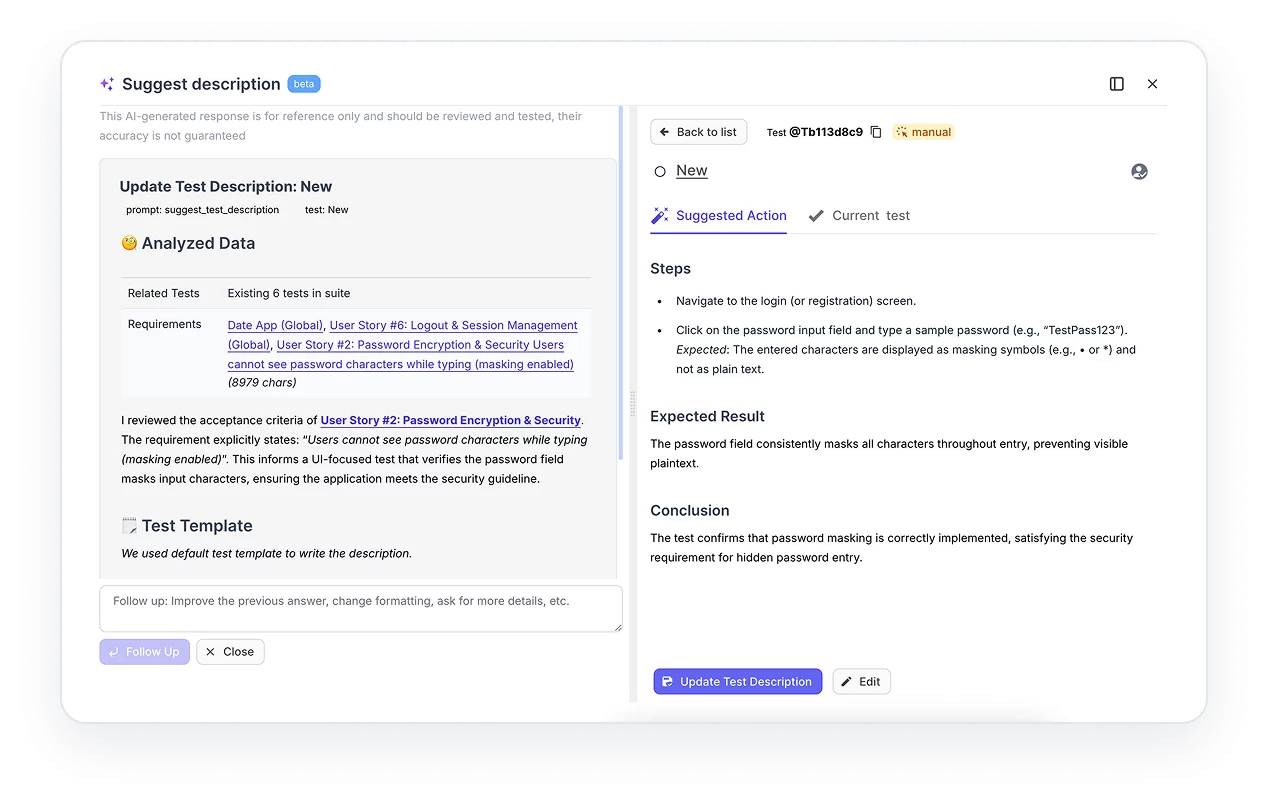
AI test management in Testomat.io handles organization work that typically eats QA time without producing test results: finding duplicate test cases, grouping tests that should share a suite, surfacing tests that haven’t been run in months and may no longer be relevant.
For teams with 1,000+ test cases, this solves a real problem. Test suites accumulate clutter. Tests that covered a deprecated feature stay in the suite because nobody has time to audit them. AI test management tools surface these systematically so your QA team can make clean-up decisions fast rather than spending a sprint on manual triage.
It also adapts test priorities based on your project’s activity. If a module has been modified frequently in recent deployments, the system can flag it as higher priority for the next run, the same logic that predictive analytics in software testing builds on historically.
4. AI Test Reporting and Analytics
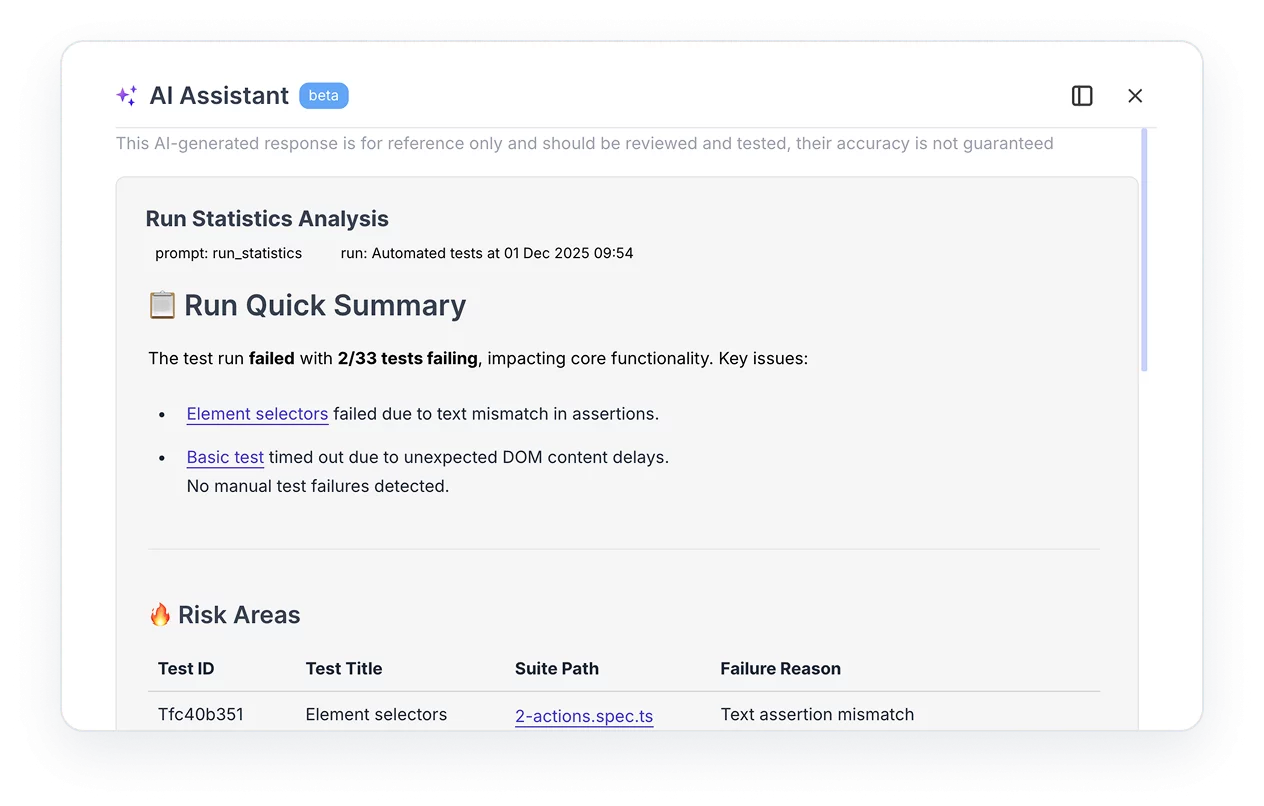
Standard test reporting tells you how many tests passed and failed. AI-powered reporting tells you what the failures mean.
Testomat.io’s analytics layer uses AI to:
- Identify flaky tests (tests that fail intermittently without code changes) and separate them from genuine failures
- Detect the slowest tests dragging down your CI/CD pipeline
- Spot “ever-failing” tests cases that have never passed in production and may be testing incorrect assumptions
- Map defect trends across releases so you can see whether quality is improving or deteriorating sprint-over-sprint
The output feeds into dashboards your product managers and engineering leads can read without needing to understand test infrastructure. A QA engineer running a regression suite doesn’t have to write a summary email, the analytics layer generates it.
This connects to test automation with Playwright and other frameworks: the reporting layer ingests results from whatever framework you use and applies the same analytics regardless of how the tests were written or executed.
5. AI Requirements Management
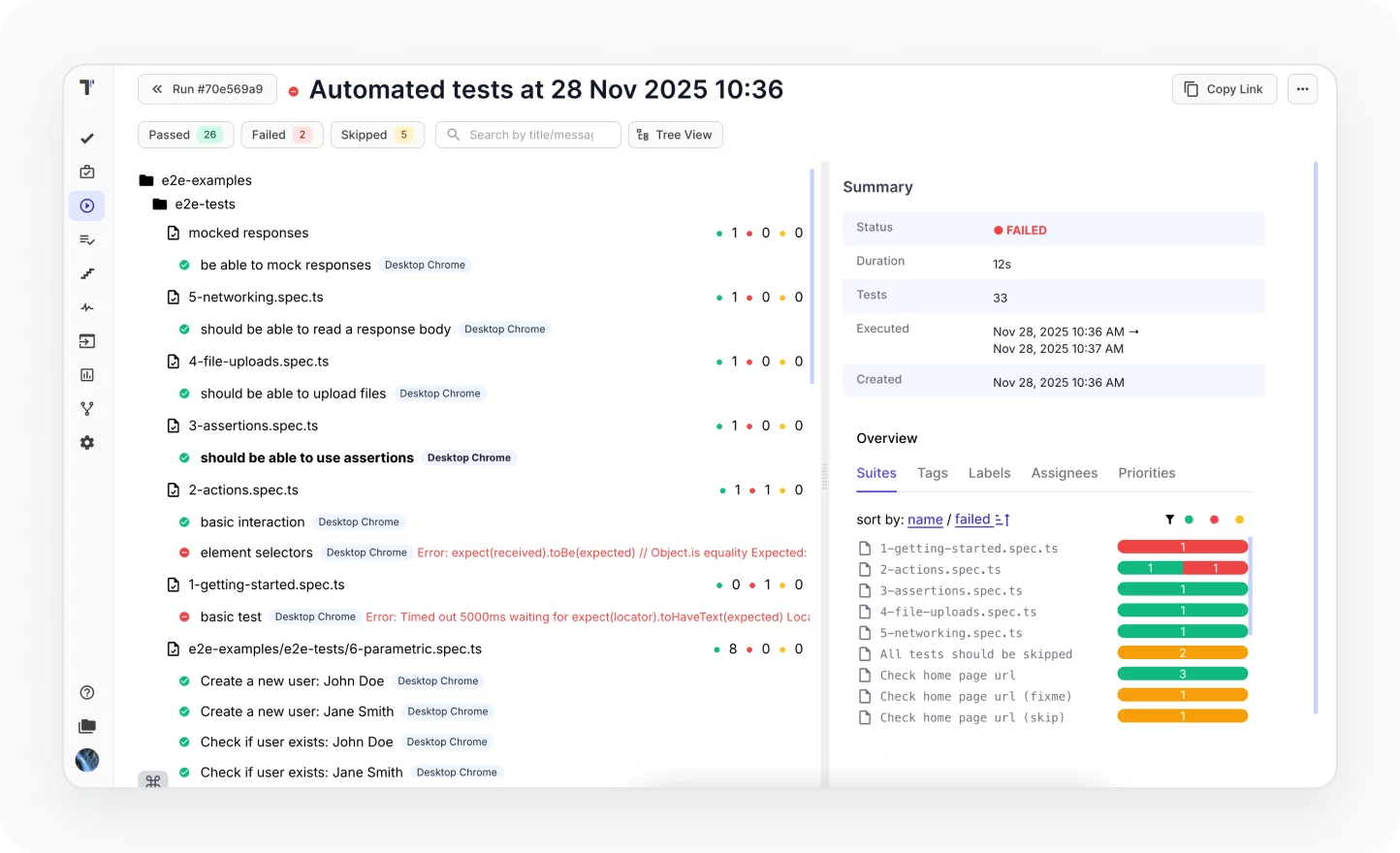
This feature links test coverage directly to requirements. You import requirements and AI maps existing test cases to those requirements automatically. Where coverage is missing, it flags the gap.
The practical result: before a release, a QA lead can pull up a requirements coverage report and see which features are adequately tested, which are partially covered, and which have no tests at all. That report used to take a day to build manually against a large backlog. With AI requirements management it takes minutes.
For teams doing BDD testing , this integrates with Gherkin scenarios, your BDD specs become both living documentation and traceable coverage evidence.
Where AI Fits in the QA Process
AI in quality assurance removes the steps that don’t require judgment.
| QA Stage | Without AI | With AI |
| Test creation | Write cases from scratch | Review and adjust AI drafts |
| Suite maintenance | Manual audit every few sprints | AI surfaces duplicates and stale tests continuously |
| Coverage analysis | Build coverage maps manually | AI links requirements to tests automatically |
| Post-run reporting | Write summary reports manually | AI generates analytics dashboards from run results |
| Flaky test detection | Notice patterns over time | AI flags flaky tests after first few runs |
The shift is consistent: AI handles the pattern-matching and mechanical generation, humans handle the decisions about what actually needs testing and whether the output is correct.
AI in Manual vs. Automated Testing
A common question: does AI in QA apply to manual testing or only to automated testing workflows?
Both. Testomat.io supports mixed runs of manual and automated tests in the same execution plan. AI features apply to both:
- Test generation creates manual test cases (step-by-step instructions for a human tester) and automated test scripts
- Analytics track manual test execution results the same way they track automated runs
- Requirements coverage maps across both
This matters for teams in a hybrid state running Playwright or Cypress for regression testing but still doing exploratory and UAT manually. AI test management tools don’t require full automation to deliver value.
What AI Doesn’t Do
Worth being direct about the limits. AI test generation produces test cases based on the input you give it. If your requirements are vague, the tests will be vague. If you don’t review the output, you can end up with tests that pass consistently while testing the wrong behavior. The automation coverage improvement is real; the removal of human oversight is not a feature.
AI suggestions for test improvements flag potential gaps. They don’t know your domain the way your QA engineers do. A suggestion to add a test for an edge case might be irrelevant to your actual users. The suggestions are a starting point, not a final word.
AI analytics identify patterns in test results. Calling something a “flaky test” requires at least a few runs of data. For a new project or a newly added test, the analytics need time to calibrate.
🤖 Read also: Generative AI Testing Challenges
Integrating AI Features with Your Existing Stack
Testomat.io’s AI features connect to the same infrastructure as the rest of the platform:
- CI/CD pipelines: AI analytics run against test results from GitHub Actions, GitLab, Jenkins, or Azure DevOps automatically. You don’t reconfigure your pipeline the reporter pushes results and the analytics layer processes them.
- Jira: AI requirements management pulls requirements from Jira epics and stories. Coverage gaps show up in Testomat.io; the link back to Jira lets engineers see which tickets are undertested before a sprint closes.
- Testing frameworks: AI features work with Playwright , Cypress , Cucumber , Jest , WebdriverIO , and others. The AI operates at the management layer, not the execution layer.
For teams using quality gates in their pipelines, AI analytics can feed into those gates, if flaky test rate or automation coverage drops below a threshold, the pipeline fails.
➡️ See also: Jira bug tracking
Who Gets the Most From AI in QA
AI in software testing is past the proof-of-concept stage. Testomat.io’s approach is to build AI into test management itself, so the output of AI doesn’t require a separate workflow to act on.
- Teams with large, aging test suites. The maintenance and deduplication tools have the biggest impact when you have hundreds or thousands of tests. A team of three running 200 tests gets less value here than a team of ten running 3,000.
- Teams building test coverage from scratch. AI test generation speeds up the initial build significantly, especially for teams where QA resources are thin and engineers are expected to write their own tests.
- Organizations where QA reports to product or engineering leadership. AI-powered analytics produce the kind of coverage and quality trend reports that non-QA stakeholders can read. That visibility often matters as much as the testing itself.
Teams using BDD. The AI features integrate tightly with Gherkin, generating scenarios, suggesting missing acceptance criteria, and keeping living documentation in sync. See the scrum testing fundamentals article for how this fits into agile workflows.